
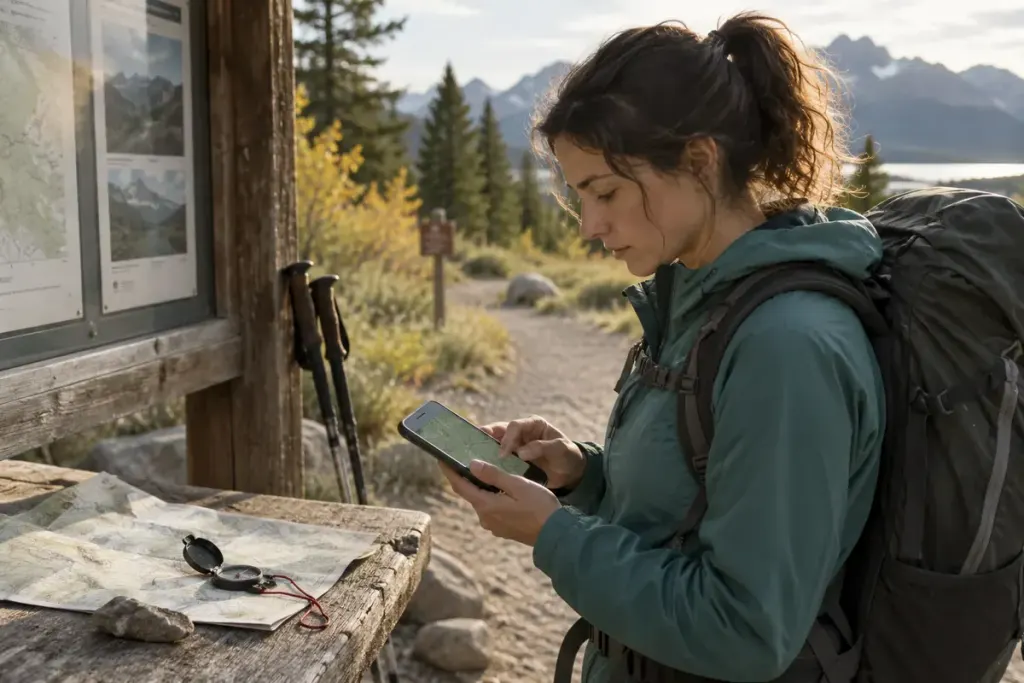
The route looked clear at home, but the map turns into blank squares when the phone loses signal. Looking at an online map is not the same as downloading the area for offline use.
Use the app’s documented download feature and confirm completion while you have a reliable connection. Include the planned route, access points and a sensible surrounding area rather than a narrow strip that ends at the first diversion.
Test the actual offline behaviour
The National Park Service’s app guidance explains that park content can be downloaded for offline use. Other apps have their own coverage, expiry and feature limitations; inspect the instructions for the one you use.
Before departure, temporarily disconnect mobile data and Wi-Fi and open the saved map. Zoom into several parts of the route and check that essential detail remains available. Test any saved notes or route files as well. Restore normal connectivity afterwards.
A visible map does not establish that live alerts, transport times or route recalculation will work offline. Identify which features depend on a connection and obtain current closure or hazard information separately before setting out.
Plan for the device to become unavailable
Battery loss, water damage, cold and accidental breakage can remove the whole tool. Carry suitable independent navigation resources and know how to use them for the terrain. A paper map in a bag is only useful if you can locate yourself and interpret it.
Keep the phone protected and accessible without repeatedly stopping in an unsafe place to operate it. A power bank may extend use, but it does not solve a broken screen or incorrect downloaded area.
Recheck after the plan changes
If you choose a different trail, verify the new area rather than assuming the previous download covers it. Tell your designated contact about the revised route and expected return through the arrangement appropriate to your trip.
The final test is practical: can you explain where the route goes and how you will navigate if the screen stops helping? The download supports that plan; it should not be the entire plan.